Site visit or on-site appointment
Viewing the premises, measuring for furniture, an installer's visit. The agent asks for the address and writes it into the appointment note so your team knows where to go.
Kolio is an AI agent for businesses that books appointments itself by phone, on the web and by email, 24/7: it checks free slots in the Kolio Calendar or a connected external system, respects the location's opening hours and staff availability, books, and emails the confirmation and reminder. Customers reschedule or cancel by phone. The quote comes from your sales team.
7 days free · no credit card · the built-in calendar works right away
By the Kolio team · updated
Viewing the premises, measuring for furniture, an installer's visit. The agent asks for the address and writes it into the appointment note so your team knows where to go.
Intro call, consulting session, online meeting. The agent says who from your team runs the meeting and emails the customer a confirmation with the details.
A slot for a measurement, repair or check-up. If the service has several staff members or locations, the agent offers the first free slot with any of them.
An appointment booking bot is the part of the Kolio agent that computes a free slot as the intersection of three conditions: the location's opening hours, the schedule of at least one staff member who performs the service, at that location who is not busy at that time. The agent doesn't guess — if the calendar has no free slot, it doesn't offer one. It suggests two or three slots that match what the customer asked for ("Thursday afternoon") and books the one they pick.
| Event | Who | When | Channel |
|---|---|---|---|
| Booking the appointment | Kolio AI agent | during the conversation, after checking the calendar | phone, web, email |
| Appointment confirmation | Kolio AI agent | right after booking, if the customer gives an email address | |
| Appointment reminder | Kolio (automatic) | on the day of the appointment at 7:30, once per appointment | |
| Rescheduling | Kolio AI agent, at the customer's request | during the conversation, to the first free slot | phone, web, email |
| Cancellation | Kolio AI agent, at the customer's request | during the conversation; the appointment is marked "cancelled" | phone, web, email |
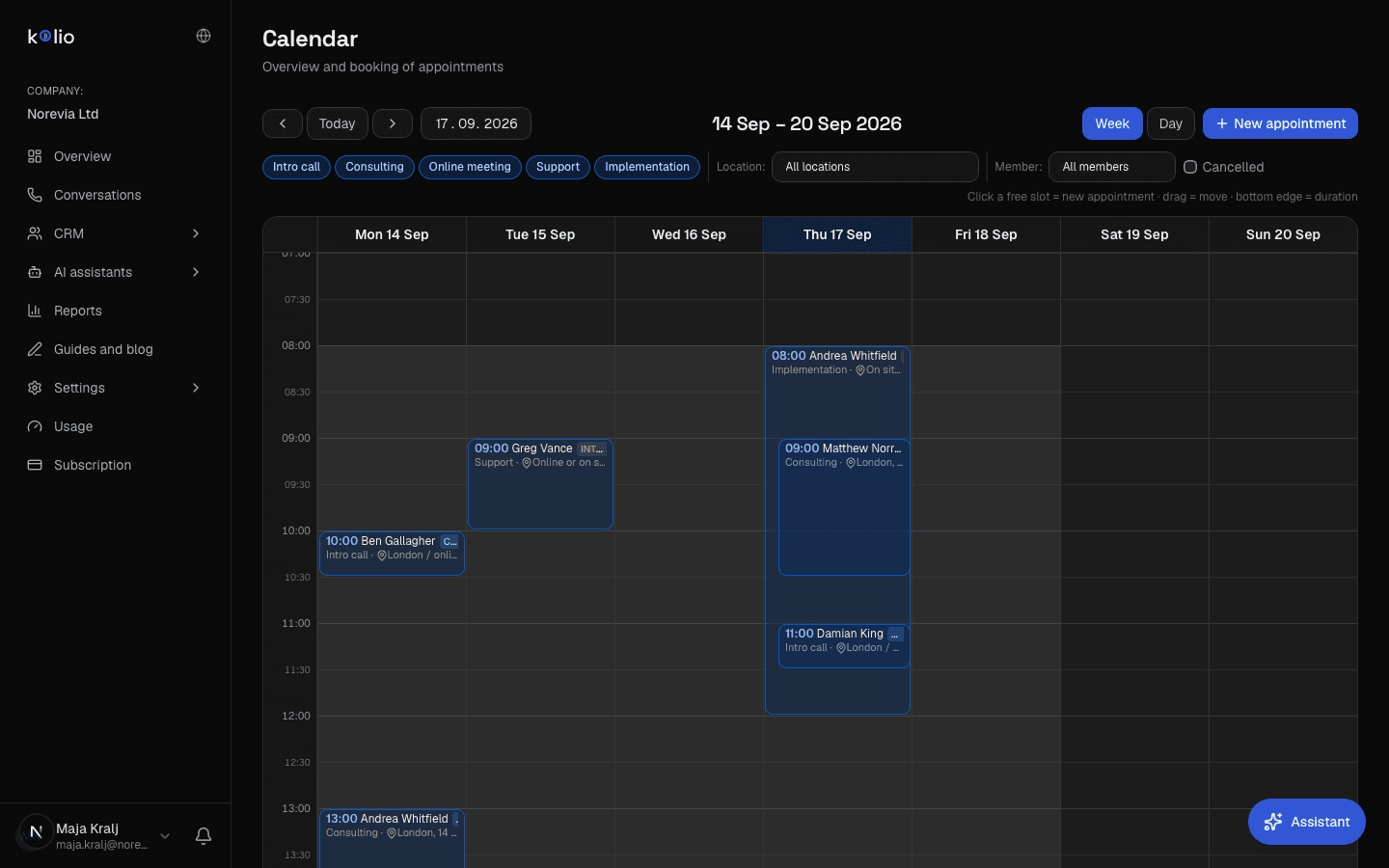
| Change by your team | your team | any time, by dragging in the calendar | Kolio Calendar |
| SMS reminder | — | not available yet; the reminder goes by email | — |
Automated appointment scheduling in Kolio works with a single setup even when the company has several staff members, several locations or several customers at the same time: a service has several staff (say, three consultants who perform it at once), each staff member has their own schedule, and each service can have its own location. The agent offers a slot only where and when a staff member who actually performs the service is free — and the customer gets the person's name and the location's address in the confirmation. The limits on booking live on the service: how many days ahead customers may book, and how close to the appointment they still can.
One service with three staff members — instead of three near-identical services the bot would pick from by first name match. Overlaps are checked within the same service.
Assign each team member the services they perform and a weekly schedule with exceptions. A service with no assigned staff follows only its own schedule — exactly as it did before.
A service has a location (salon, branch), a booking horizon (30 days ahead by default) and a minimum lead time (60 minutes by default). The agent never crosses these limits.
In the Calendar, create the services customers book (intro call 30 min, site visit 60 min …). For each, set the duration, price, staff, booking horizon and minimum lead time.
The service's weekly schedule and exceptions (holidays, closures). If several people perform the service, assign it to them and give each their own schedule — the agent will only offer slots when one of them is free.
In the instructions, in plain sentences: which service to suggest to new customers, what to ask (address for a site visit, email for the confirmation), how many slots to offer. Try it in the simulator.
Connect your number, embed the web chat or connect your mailbox. Every booked appointment is in the calendar right away, the contact and transcript in the CRM — and your team can drag the appointment if needed.
The Kolio AI agent checks availability right before writing the appointment, not only when offering it. If the second caller took the same slot a second earlier, the first write fails and the agent immediately offers the customer the next free slot — the same staff member is never double-booked.
Every service in the Kolio Calendar has a booking horizon (30 days ahead by default) and a minimum lead time (60 minutes by default). The AI agent only offers slots within these limits, however the customer asks.
Kolio sends the appointment reminder by email, on the day of the appointment at 7:30 in the company's time zone, once per appointment. SMS reminders are not available yet; the appointment confirmation goes to the customer by email right after booking.
The Kolio AI agent recognises the customer by phone number or email address, says which appointment they have and, at their request, moves it to the first free slot or cancels it. A moved appointment gets a new email confirmation; a cancelled one is marked "cancelled" in the calendar so your team sees what happened.
AI appointment booking in Kolio needs no integration: the built-in calendar with services, schedules and staff works right after sign-up. If you already keep appointments in another system, you can connect it and the agent reads free slots and books there.
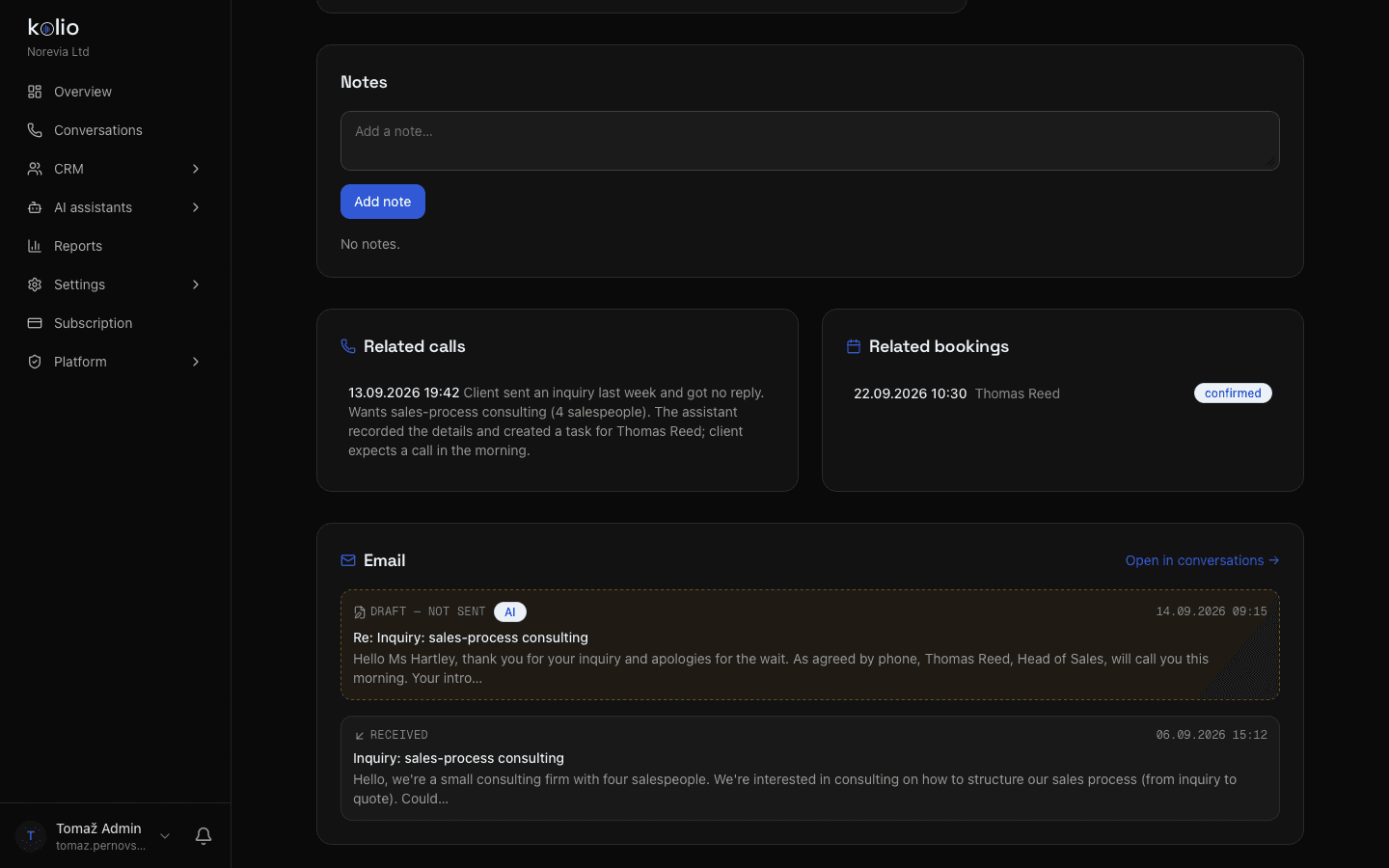
The Kolio AI agent closes only the appointment. It doesn't set a quote, price, discount or order — it hands the inquiry with the conversation transcript to your sales team as a task in the CRM, and the meeting is run by a person from your team whom the agent names to the customer.
Enter your services and schedule, try booking in the simulator and switch on the phone. No credit card.
7 days free · cancel any time