AI agent instructions are rules of conduct
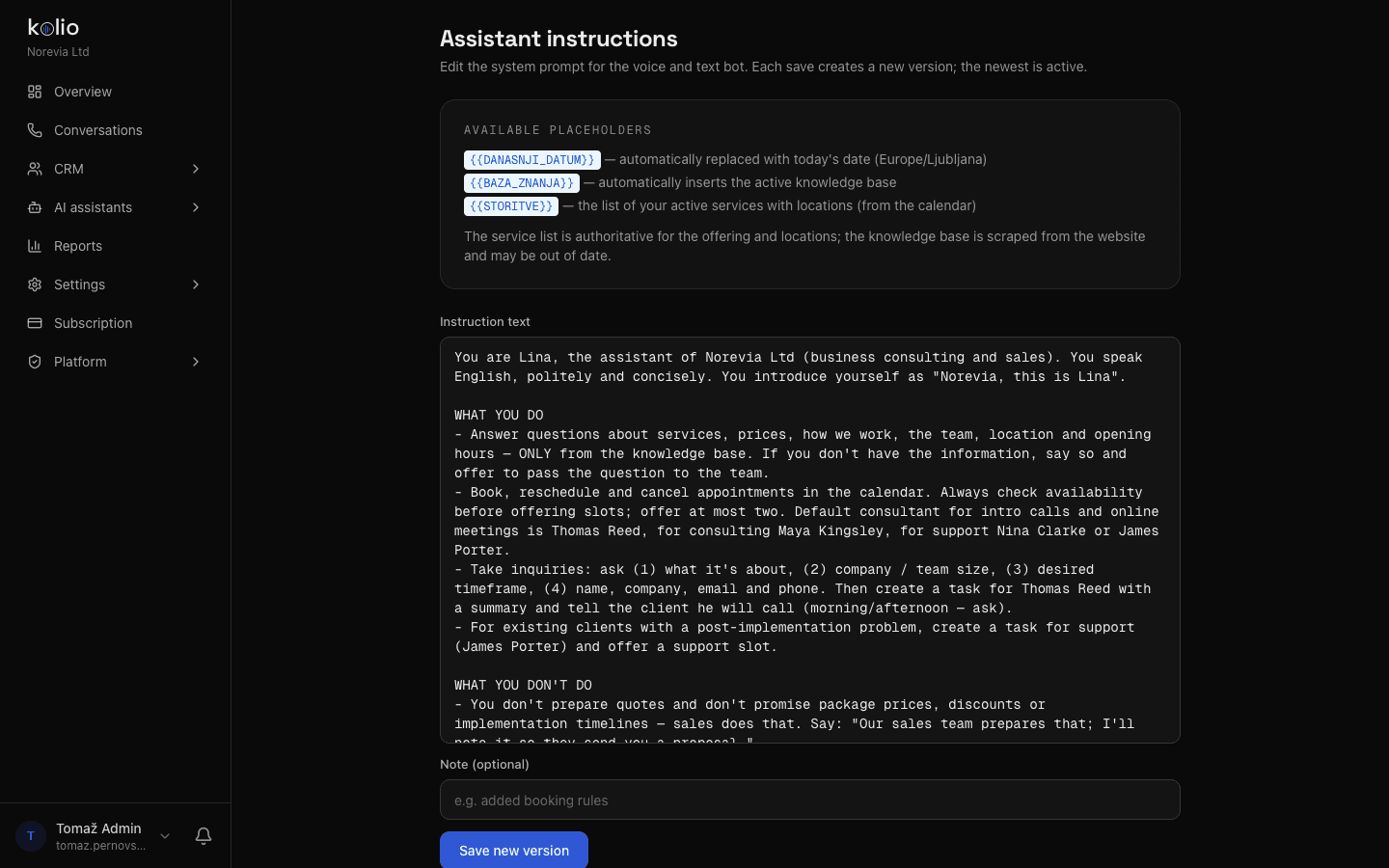
Who you are, how you speak, what you do on your own and when you hand over to your team. About one page of plain text; a change applies immediately on every channel.
Kolio is an AI agent for business that works in four steps: instructions say what it may do and when it hands over to your team; the knowledge base holds your website, PDFs and services; integrations connect your calendar, price list or ERP; channels are phone, website and email. It books appointments itself and hands the rest to your team.
7 days free · no credit card · setup in 10–15 minutes
You are Lina, the agent of Norevia Ltd. You speak English, politely and concisely.WHAT YOU DO ON YOUR OWN– You answer about services, prices and how the engagement works — ONLY from the knowledge base.– You check free slots in the calendar and book the intro call; offer at most two slots.WHEN YOU HAND OVER TO THE TEAM– Package prices, discounts and quotes are prepared by sales: take contact details and create a task for Thomas Reed.– You don't guess. What is not in the knowledge base, you don't know — say so and hand it to the team.Prepared by the Kolio team · updated
AI agent setup in Kolio has four steps you complete yourself, without coding: write the instructions, build the knowledge base, connect your systems and switch on the channels. Instructions and knowledge base are two different things — the first are rules of conduct, the second are facts about your business; the agent needs both.
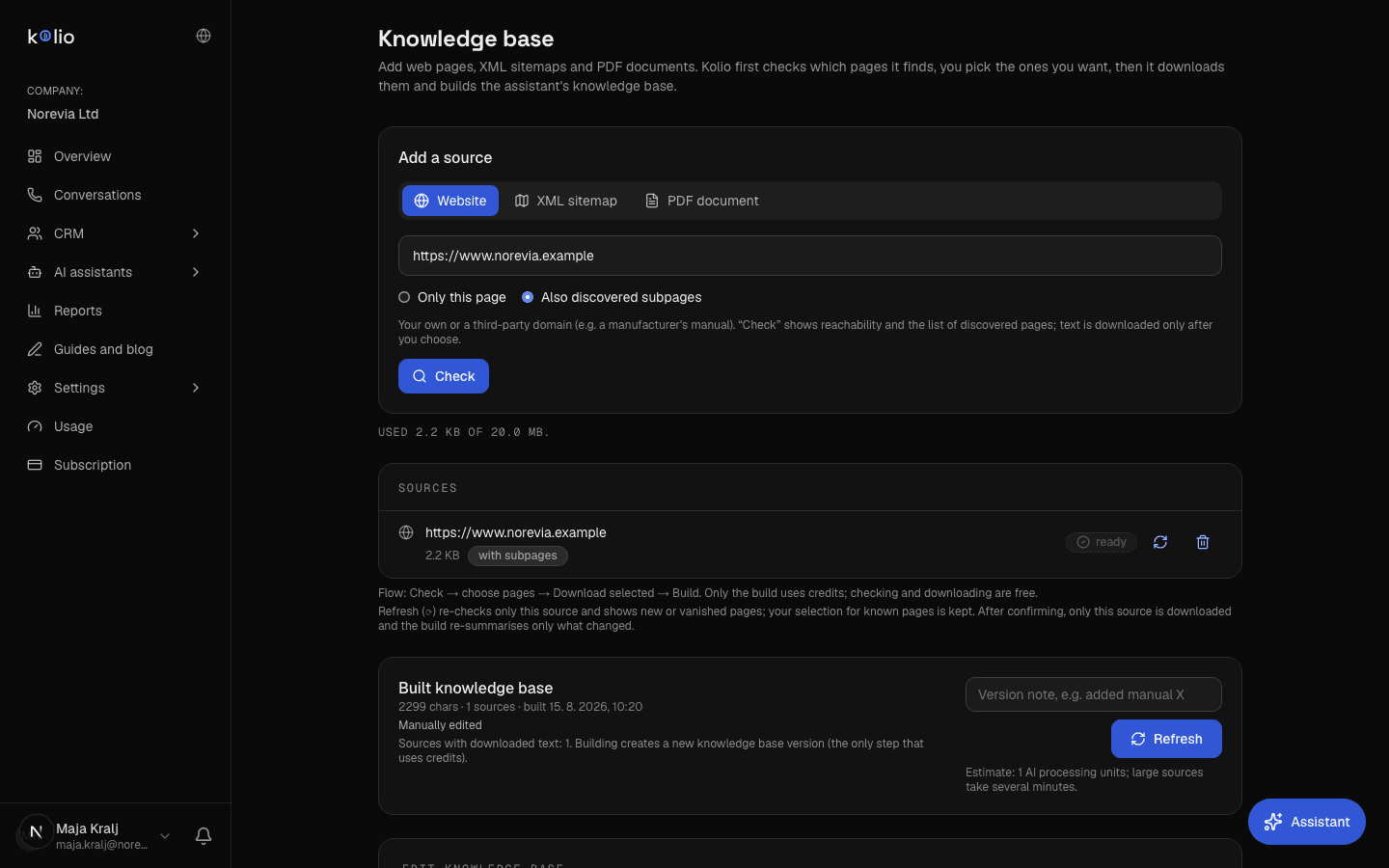
The knowledge base is the set of facts about your business the agent answers from: Kolio captures your website, reads your PDFs (price list, terms, guides) and adds the service catalogue with durations and prices. You review and correct the built content by hand; version history lets you go back. What is not in the knowledge base, the agent does not know — and does not hide that.
Who you are, how you speak, what you do on your own and when you hand over to your team. About one page of plain text; a change applies immediately on every channel.
Services, prices, terms, locations, opening hours — captured from the website and PDFs, corrected by hand and versioned. The instructions say how to act on those facts.
| Customer | AI agent does on its own | Handed to your team (task in CRM) |
|---|---|---|
| asks about a price or service | answers from the price list and knowledge base; does not guess what is missing | a question with no data in the knowledge base — with the customer's contact details |
| wants an appointment | checks free slots in the calendar, books, sends confirmation | special requests outside opening hours or availability |
| sends an inquiry | qualifies: what it is about, scope, timeframe, contact details | always — a task for your sales team with summary and transcript |
| asks for a quote, discount or package price | says your sales team prepares the quote and records the scope | always — the agent does not issue quotes |
| has a complaint or a problem | records the description, takes contact details, offers a support slot | always — a task for support with the description |
What is handed to your team is defined in the instructions; by default the agent only closes appointments.
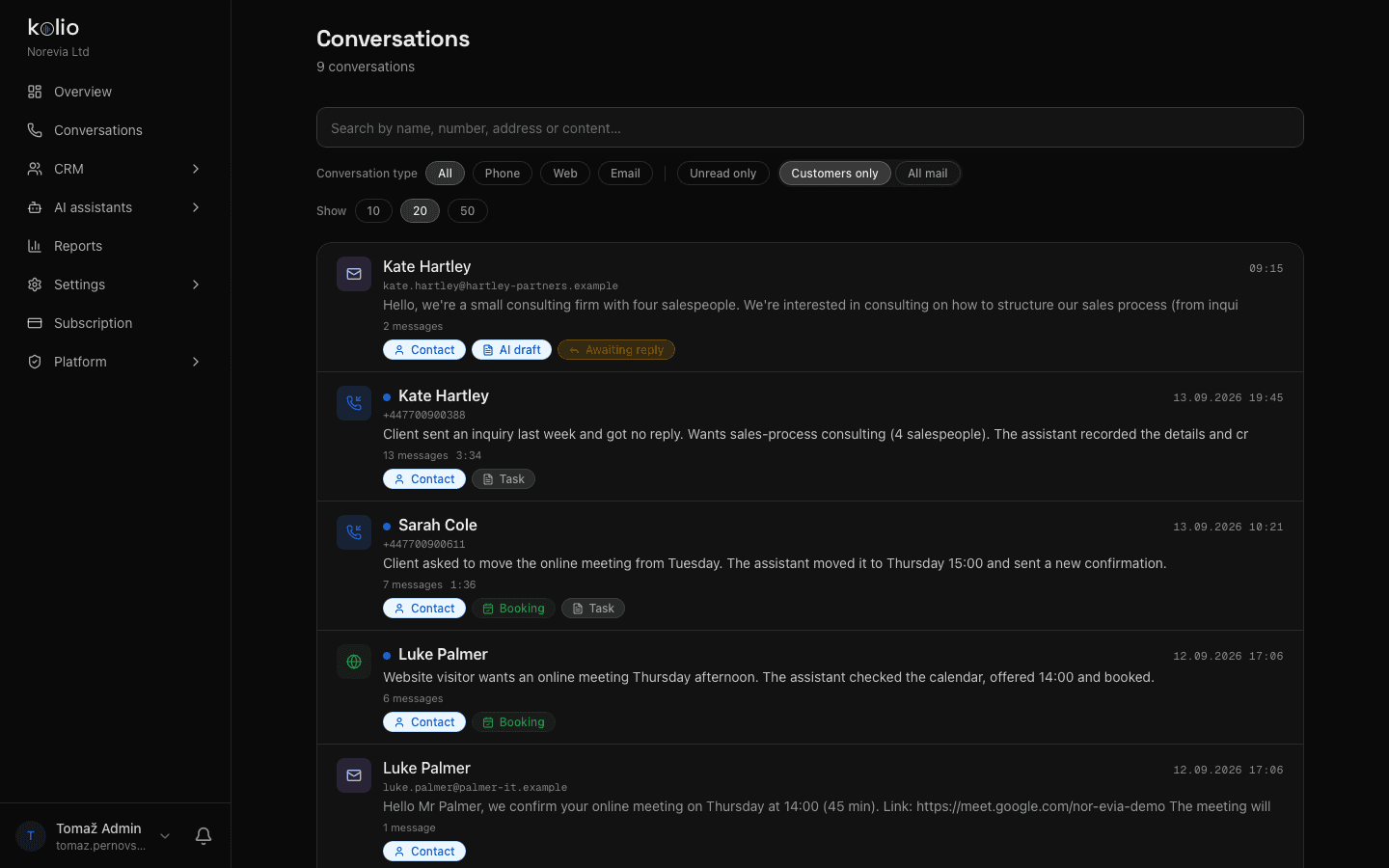
Every call, chat and email thread with transcript, summary and outcome (appointment, task or just an answer). Filter by channel and read state.
A contact is created on the first conversation; every later one attaches to it. A task has an owner, due date and timeline — CRM and tasks.
Appointments the agent books appear immediately in the weekly Calendar view, with drag and resize; the customer gets a confirmation and a reminder.
Reply to a chat or email from Conversations, and take or make calls through the Softphone in the browser — with the same history in front of you.
AI agent for business is a software service that talks to customers on behalf of a company over the phone, on the website and by email, answers from the company's data (knowledge base, price list, calendar) and follows the instructions the company sets. Kolio is an AI agent for business that closes only appointments on its own; quotes, discounts and decisions are handed to your team as a task in the CRM.
AI agent setup for business in Kolio takes about 10–15 minutes, with no coding and no credit card: you sign up, write the instructions, add your website or a PDF and switch on the first channel. The trial is free for 7 days, then the subscription starts at €49 per month — see pricing and the Pricing page for details.
Sign in with Google or an email address; the account is ready immediately, free for 7 days and with no credit card.
Under Instructions and knowledge, set the name, tone, what the agent may do on its own and when it hands over to your team — for example: "Book appointments yourself; on a question about a quote, take contact details and create a task for sales."
Enter your website address and click "Capture content"; add the price list or terms as a PDF. Kolio builds the knowledge base for you to review and correct.
Ask the questions your customers ask in the call or web simulator and fix what does not fit. Then switch on a channel: web chat with one line of code, phone over a SIP account or your email mailbox.
After launch, keep reading the calls, chats and emails in Conversations and fix whatever the agent got wrong — a rule in the instructions, a fact in the knowledge base. Test every change in the call and web simulator before customers hear it. This is an ongoing job for your team, not a one-off setup.
The Kolio AI agent talks to customers over the phone, on the website and by email, answers from the company's knowledge base and connected systems, books appointments on its own, and hands everything else — quotes, discounts, complaints — to your team as a task in the CRM with the conversation transcript.
Instructions in Kolio are the AI agent's rules of conduct: how it introduces itself, what it may do on its own and when it hands over to your team. The knowledge base is the facts about the business — services, prices, terms, opening hours — captured from the website and PDFs. The agent needs both: the instructions say how to act on the facts in the knowledge base.
The Kolio AI agent does not sell and does not issue quotes, discounts or package prices. The only thing it closes on its own is an appointment in the calendar; when asked for a quote it says your sales team prepares it, takes contact details and the scope, and creates a task in the CRM for your sales team.
If the answer is not in the knowledge base or connected systems, the Kolio AI agent does not guess: it tells the customer the question will be checked and answered by the team, takes contact details and creates a task in the CRM. If an external system does not respond in time, it does not retry the call and tells the customer the data cannot be checked right now.
Kolio AI agent setup takes about 10–15 minutes with no coding: sign-up, instructions in plain sentences, capturing your website or a PDF into the knowledge base and switching on the first channel. The trial is free for 7 days with no credit card; the subscription then starts at €49 per month.
The Kolio AI agent uses the same instructions and the same knowledge base on all three channels — phone on your existing number over SIP, web chat with one line of code and an email mailbox over IMAP/SMTP or Gmail. A customer gets the same answer wherever they ask, and every conversation lands on one list in Conversations.
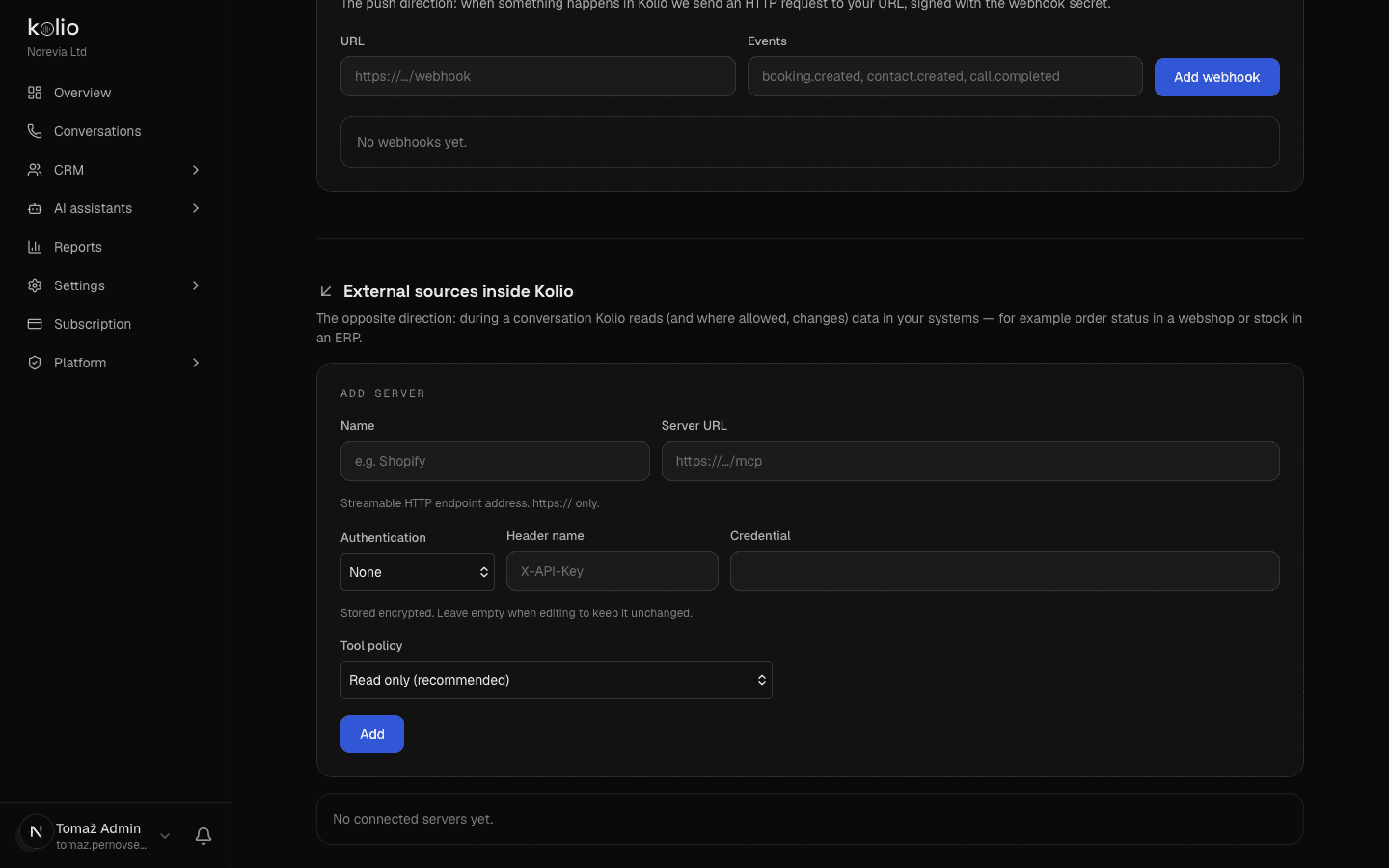
The Kolio AI agent can write to external systems (for example book into your calendar or place an order in your ERP) only if you explicitly allow it: an integration is read-only by default, and writing is switched on per integration and per tool. The built-in calendar and CRM in Kolio work with no extra setup.
After launch your team keeps watching the calls, chats and emails in Kolio's Conversations and corrects the agent instructions and the knowledge base as it goes, testing every change in the call and web simulator first. Editing the instructions is an ongoing job for the business — daily in the first weeks, then at least once a week.
Write the instructions, add your website and switch on the first channel — in 10–15 minutes, with no coding and no credit card.
7 days free · from €49 per month · cancel anytime